How does it work?
Book in two clicks; our smart system handles the rest. Here it is, step by step.
STEP 1
Choose location and service
Pick the service you need, your home type and the date. No counting windows, no long forms. The price updates instantly with every choice, and you see the exact total before paying.
STEP 2
Let the system find your cleaner
Smart matching weighs distance to your address, availability, rating, punctuality and your past preferences. It suggests the most suitable cleaner — or you can pick one yourself.

STEP 3
Confirm and pay securely
Pay on the day, by bank transfer or by card. When you pay by card the amount is taken when you book; the cleaner’s earnings are not released until a waiting period after the service. Refund requests are handled by our support team.
STEP 4
Track it and repeat
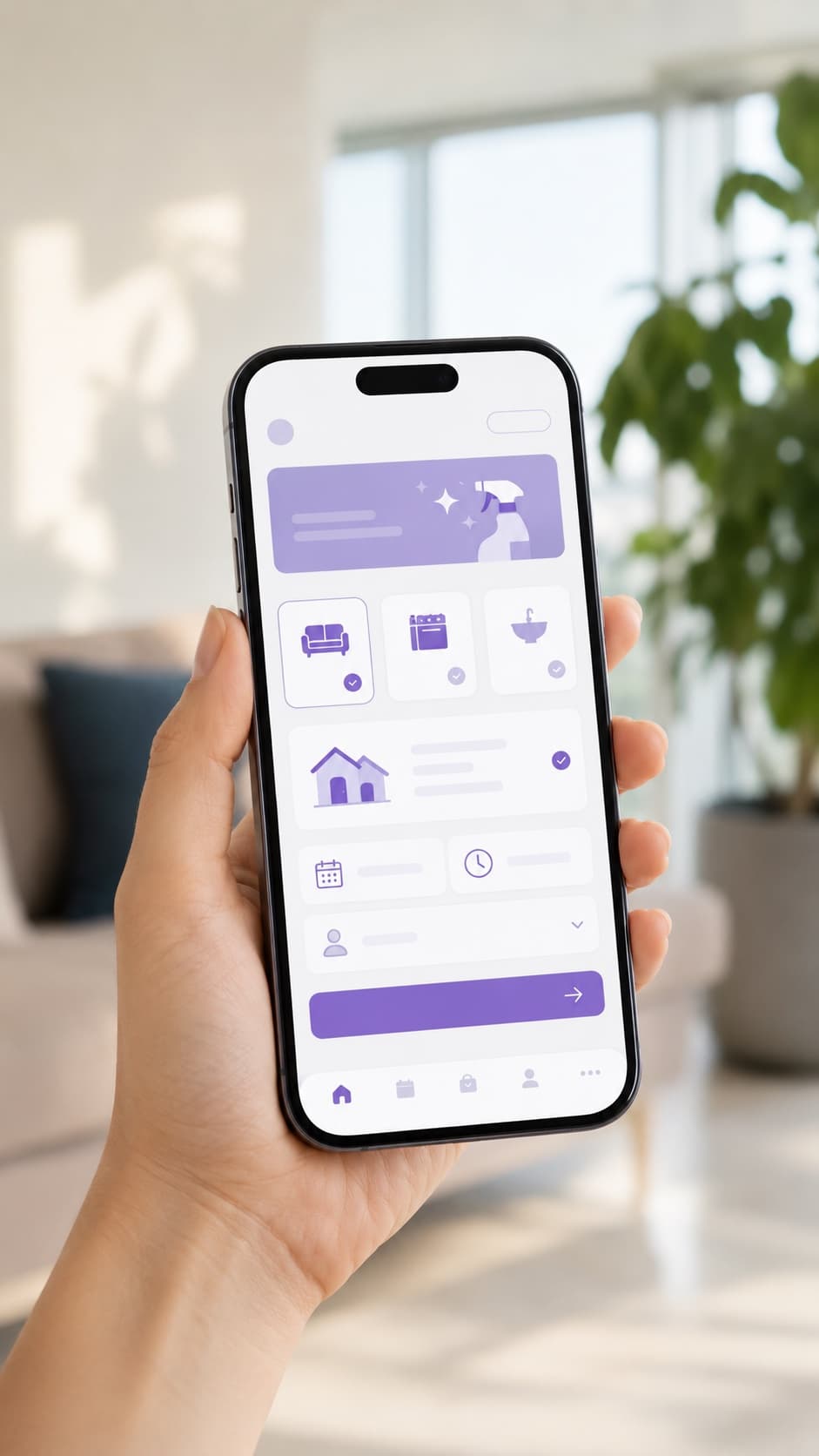
Follow your cleaner’s status live and message them. For the next cleaning, just say “same as last time” and rebook in one tap.

Six steps in the booking screen
The booking screen has six steps. Each step asks only its own question; the next one opens when the current one is complete, and you can go back at any time.
- 1
Service
You pick one service — home, recurring, deep, office, ironing — and your flat type. The price follows from those two choices and the running total stays at the bottom of the screen.
- 2
Place
City, district and address. Saved addresses appear in a list; otherwise you add one here. The address is also used for the proximity calculation.
- 3
Date
Day and time window. Taken windows are shown as closed; if you picked a specific cleaner, only that person’s free windows stay open.
- 4
Extras
Inside the fridge, inside the oven, windows, inside cupboards. None are required — you can skip with “No extras”. Every extra you add shows up in the total and the estimated duration.
- 5
Cleaner
Two options: let the system match you, or pick from the list yourself. When you pick yourself, the booking is confirmed directly instead of waiting for matching.
- 6
Summary
All your choices, the estimated duration and the exact total on one screen. You choose the payment method and confirm here; nothing is charged before you confirm.
No step asks for an ID number, building age, window count or square metres. The price comes from the flat type, so no measurements are needed.
Payment, cancellation and support
The terms worth knowing before you book. These answers come from the same source as the FAQ page.
Payment
- When is my payment taken?
- Payment is taken when you book. The cleaner’s earnings do not become withdrawable until a waiting period after the service is complete. If you report a problem, our support team looks into it.
- Which payment methods do you accept?
- Payment on the day, bank transfer and credit or debit cards, including saved cards. Business customers can opt for consolidated monthly invoicing.
Cancelling
- What are the cancellation terms?
- You can cancel your booking with one click from your account; for a different date you need to create a new booking. For a refund on a paid booking, please contact support; our refund terms are being put in writing.
If something goes wrong
If anything goes wrong during or after a service, you can reach our support team directly.